
An intelligent 3D mind map.
Every idea at its own coordinate: across the page on X and Y, deeper along Z. An AI helps you sort them out.
Works in your browser. No card, no install.
Watch the film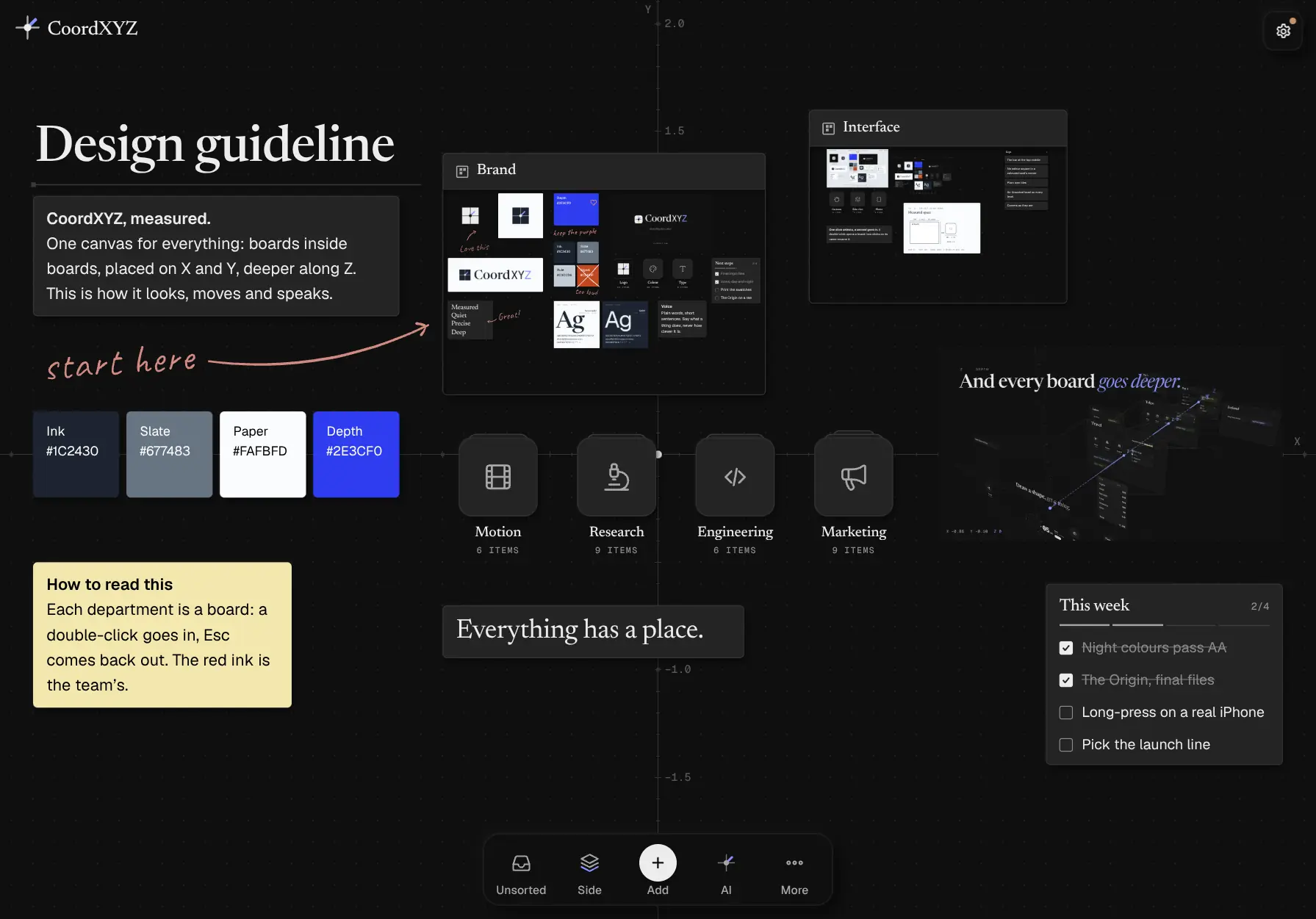
It's a canvas.
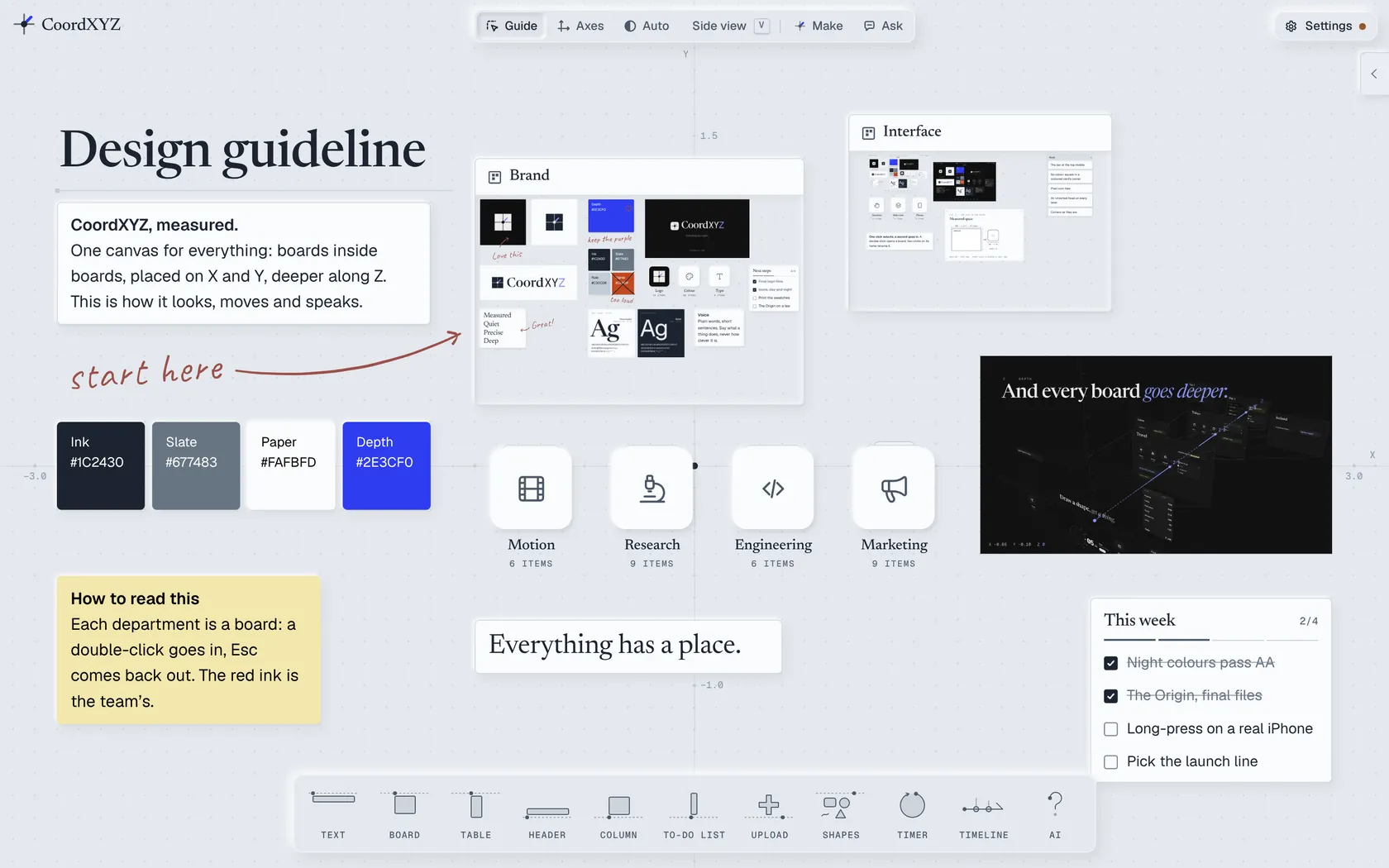
Notes, lists, tables and boards, on a canvas with no edges.
Tilt it, and it opens along Z.
Every board holds its own canvas. Turn the iPad, or press V on a computer, and each level stands apart as a layer.
Your thinking, in depth.
See how far each idea goes, then tap a layer to go straight in.
Works with the AI models you already know.
- OpenAIOpenAI
- ClaudeClaude
- GeminiGemini
- GrokGrok
- DeepSeekDeepSeek
- QwenQwen
- KimiKimi
- OpenRouterOpenRouter
About 6,200 new thoughts come to your mind every day.
Most of them pass. CoordXYZ helps you keep the three most valuable ones and gives them room to grow.
Thought transitions, measured with fMRI. Tseng & Poppenk, Nature Communications, 2020
Z 2Draw
What you draw is what you get.
Built the way you already think: a text box is a long, thin rectangle, so draw a long, thin rectangle and you get a text box. A square gives a board, a tall one a table.
Drawn down
- Text
- Board
- Table
Drawn up
- Header
- Column
- To-do list
In the app: hold the right mouse button and drag (Shift on a trackpad), or hold a finger still, then drag.
- Files and photos
- PDF, Word and slides
- Videos
- Links
- Shapes and ink
- Timers
- Timelines
- Arrows
Z 3Depth
Boards inside boards.
Open a board and you're inside it, with room for boards of its own. However deep it goes, the side view shows every level at once, so you always know where you are.
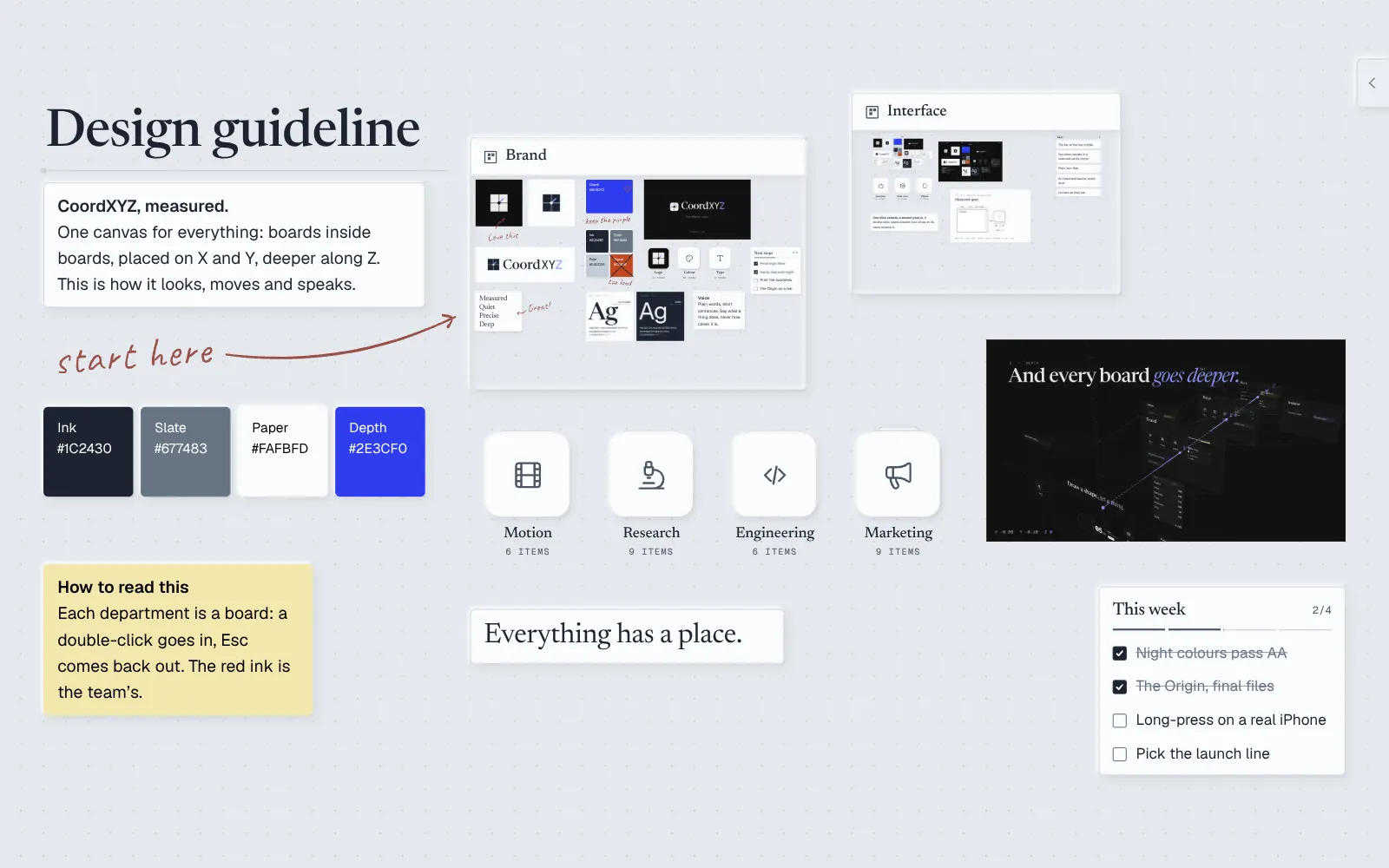
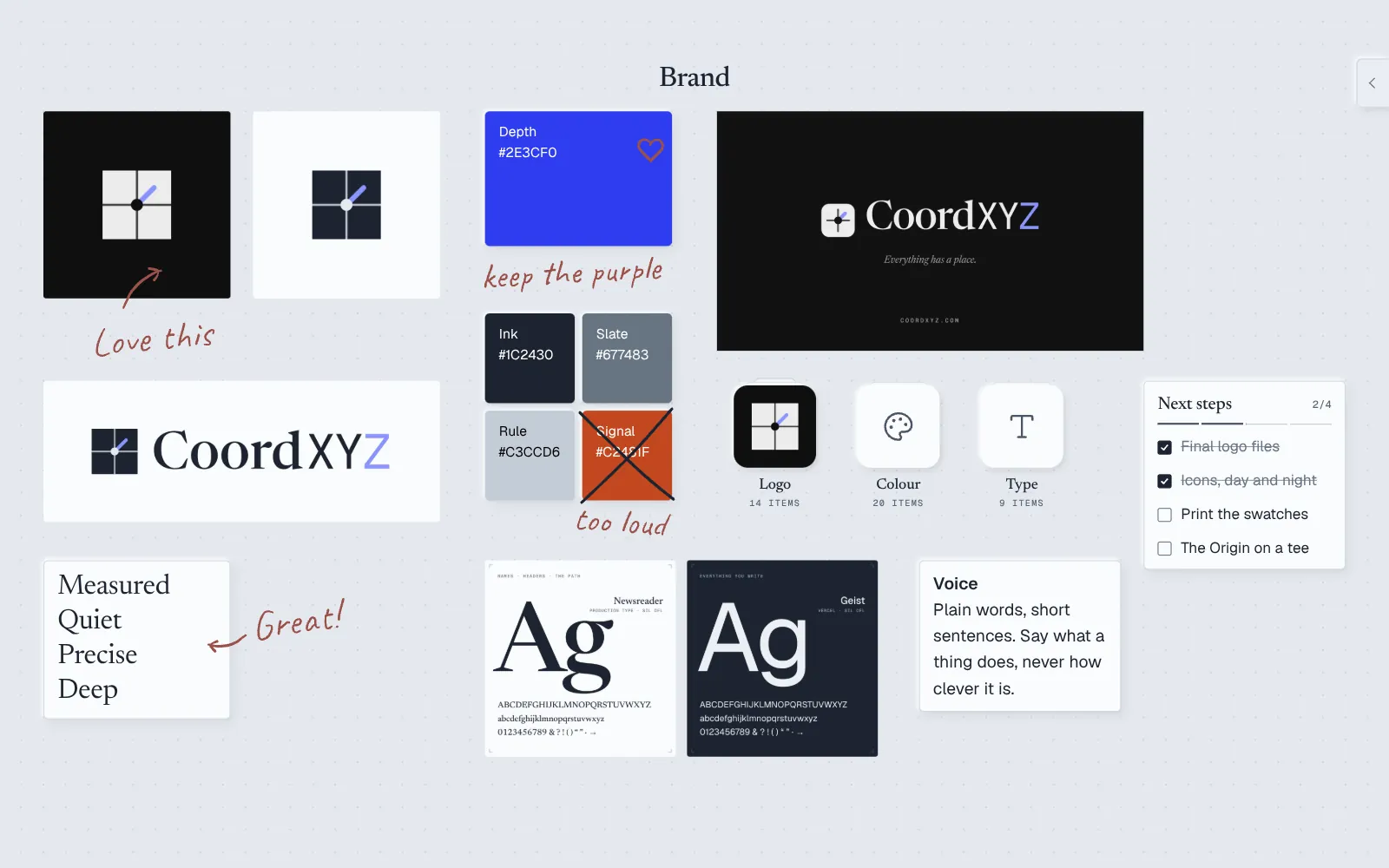
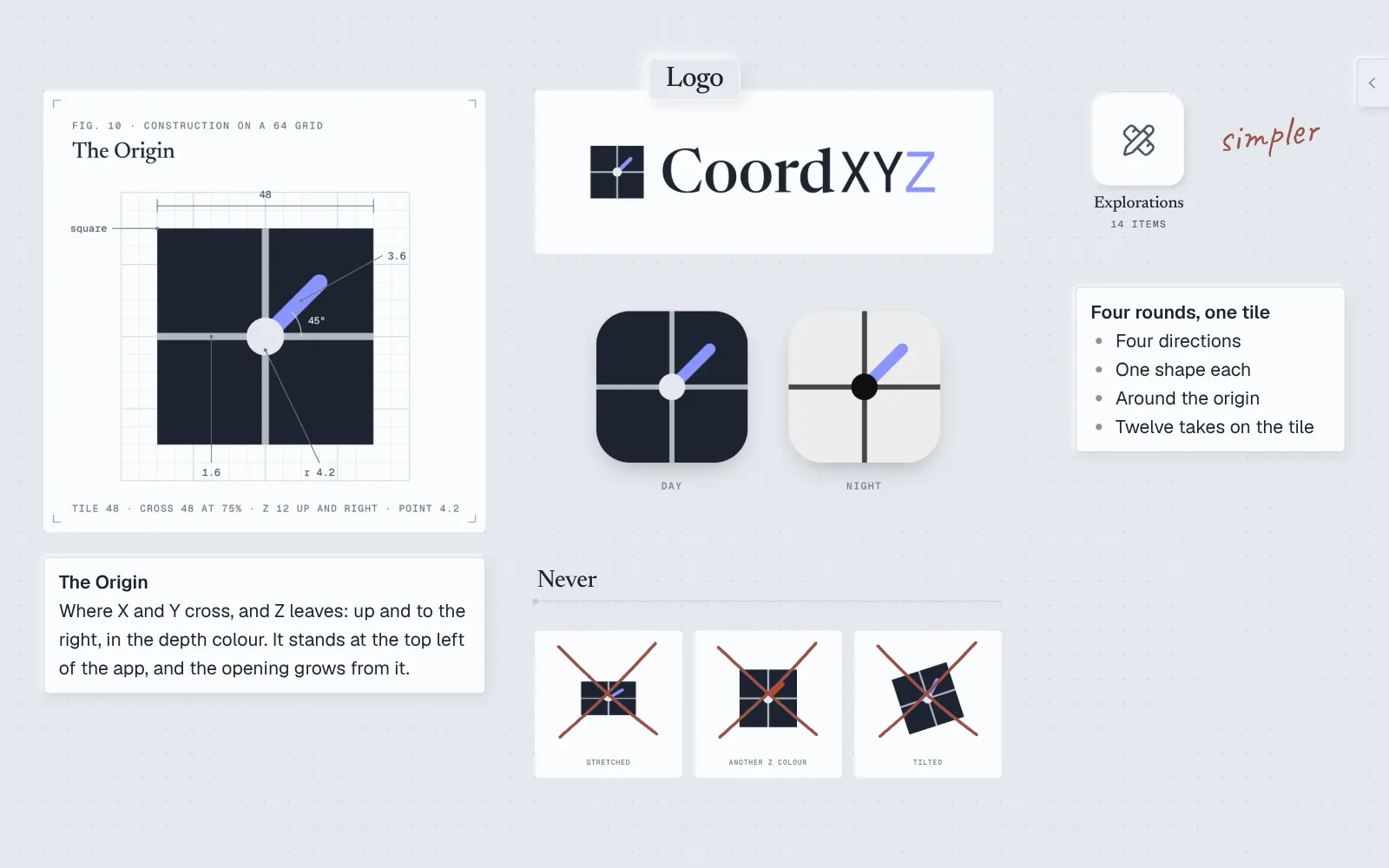
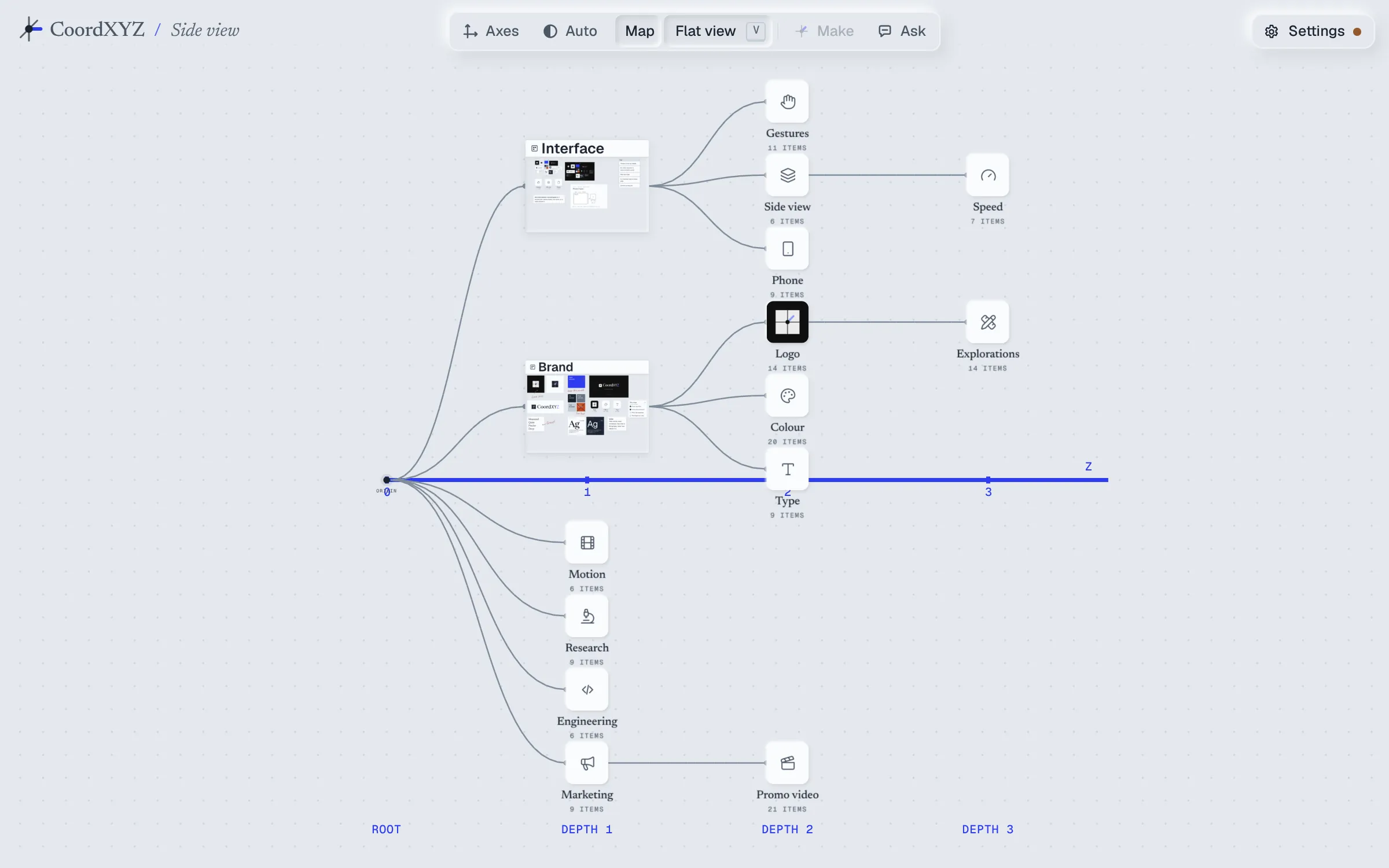
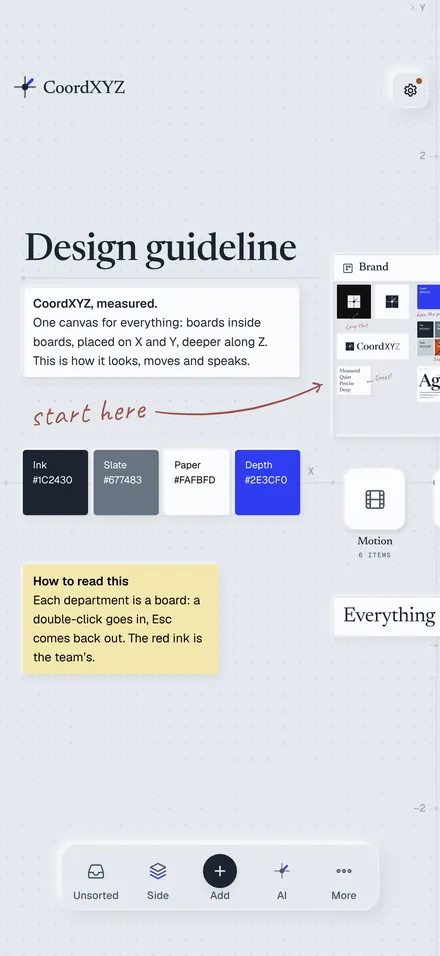
Design guideline/Brand/Logo
One map of everything.
Step back and every board becomes a branch: what you started with at the root, and everything that grew out of it. Everyone's map takes their own shape.
Z 4AIEarly access
Ask, and it builds.
Link any two objects, and the AI keeps them in sync.
Make
One sentence, typed or said, becomes headers, lists, tables and boards, right where you asked.
Ask
Questions answered from your own boards, starting with what you selected.
AI link
Drag from the AI chip on one thing to another. It reads the first, writes the second, and keeps it current as the first changes.
Z 5SecretaryEarly access
Nothing that needs you slips past.
Connect your mail, calendars and phone. The secretary reads what's new, answers the calls you miss, and keeps only what asks something of you.
Connect your mailboxes and calendars. Every few minutes the secretary reads what's new and keeps only what asks something of you.
- Gmail, Outlook, QQ, 163 and any IMAP
- Calendars
- Canvas, Google and any feed
- Calls
- Answered when you can't pick up
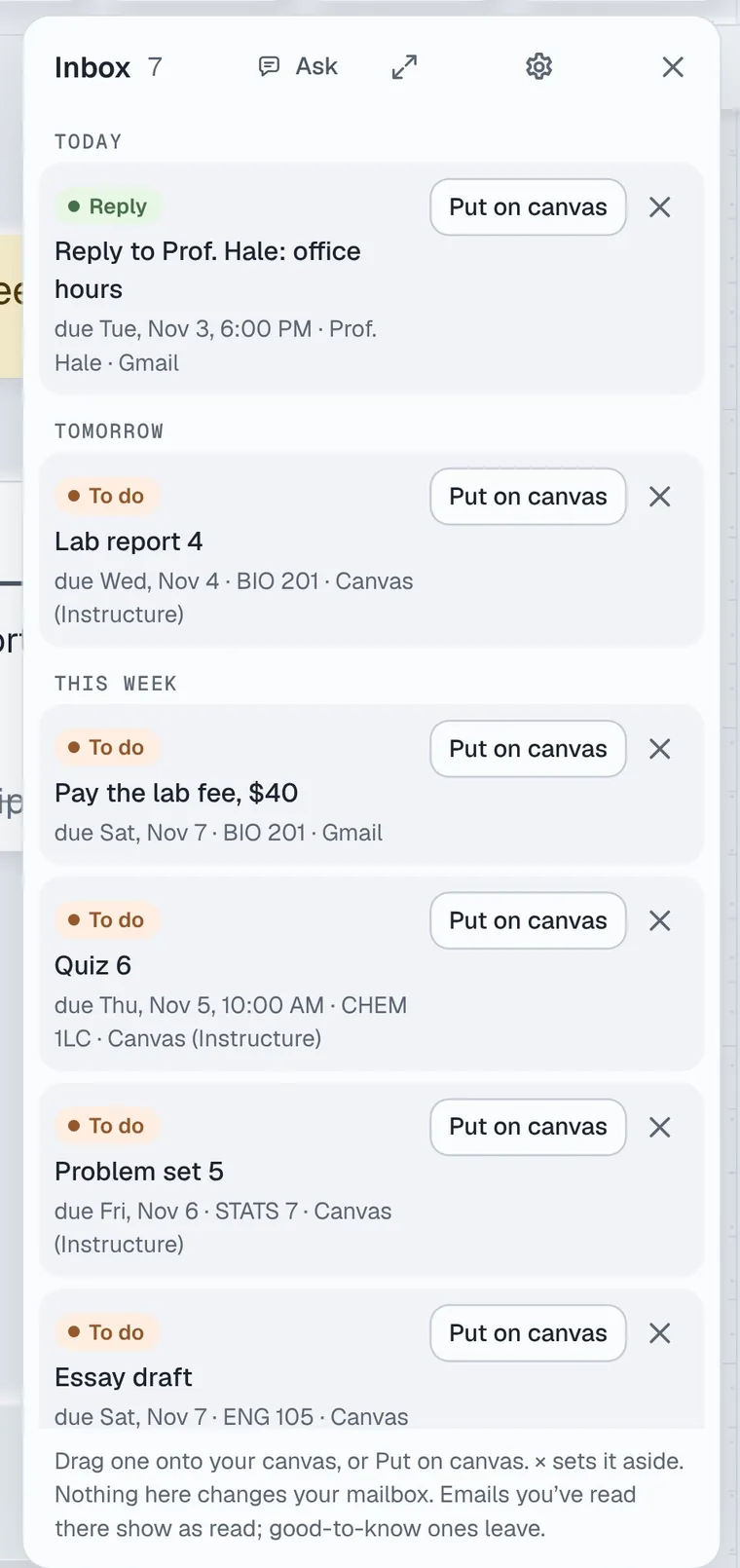
Most mail asks nothing
Newsletters and receipts make nothing. Deadlines, replies owed and events do.
You stay in charge
Nothing lands on your canvas by itself. You decide what goes where.
Calls, summed up
Miss a call and your assistant picks up, asks who it is and why, and writes it down for you. Spam never reaches you.
One assistant that knows you
Give it a name. It remembers the people, courses and routines that matter, and you can see, change or delete every note.
Z 6Everywhere
One account. Every screen.
Start on your laptop, check it on your phone. Changes appear on your other devices as you make them, and it keeps working offline.
Web
Web
Any modern browser. Nothing to install.
Open in browser →macOS · Windows
Mac and Windows
A window of its own, with .cxyz files opening straight into it.
Download →iOS · iPadOS
iPhone and iPad
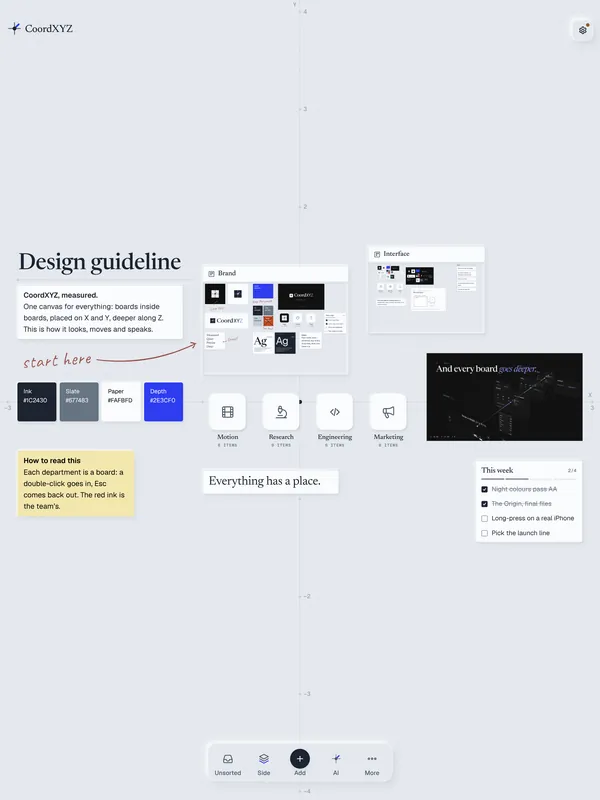
Made for one hand: one bar at the bottom, a finger to move, a hold to make. Tilt it for the side view.
App Store →iOS · iPadOS
iPhone and iPad
Made for one hand: one bar at the bottom, a finger to move, a hold to make. Tilt it for the side view.
Coming soonAn open file format
Save any canvas as a .cxyz file. It is documented, so your work is never locked in.
Share a board
Send a link to one board. Others can view it, or edit it with you.
Private by default
Your canvas is yours. It is never sold and never used to train AI models.
English and 中文
The whole app in either language, switched with one click.